HomeEasy setup extender
Price (₦)
-
Discount Percentage
Brand
Easy setup extender
(24 products found)
Enhance your home or office Wi-Fi coverage effortlessly with our Easy Setup Extender. Designed for seamless integration, this device boosts your existing network, eliminating dead zones and ensuring a stable connection throughout your space. With a user-friendly interface, installation takes just minutes—no technical expertise required. Enjoy uninterrupted streaming, gaming, and browsing with reliable connectivity. Upgrade your internet experience today with our Easy Setup Extender, the perfect solution for all your connectivity needs.

TP-Link WiFi Network Range Extender – 300Mbps
₦ 39,425
₦ 70,000
-44%


TP Link TL-WA850RE Wifi Range Extender & Repeater 300mbps
4.3 (3)
₦ 31,500
₦ 50,000
-37%
offers from


WiFi Extender, WiFi Booster 1200Mbps Dual Band (5GHz/2.4GHz) WiFi Extenders SignalBooster for Home,Coverage up to 10,000 Sq.in,with Ethernet Port up to 45 Devices,Quick Setup
1 (1)
₦ 37,000
₦ 79,000
-53%
Low Stock


TPLink Tl-Wa855Re 300Mbps Wi-Fi Wireless-n300 Network Range Extender
₦ 31,140
₦ 34,600
-10%


TP-Link Re200
₦ 70,000
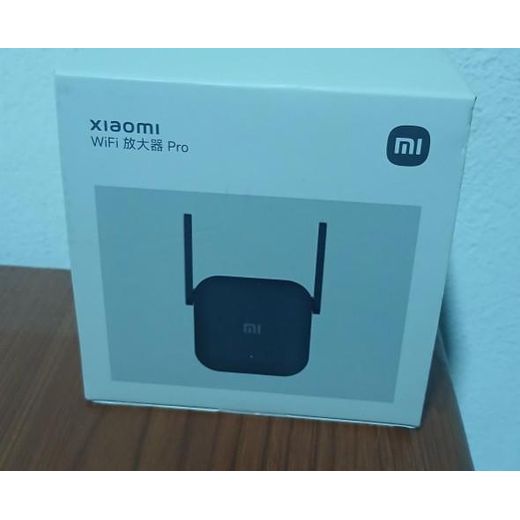
Xiaomi Wifi range extender pro
5 (1)
₦ 27,000
offers from

TP Link WiFi Network Range Extender – 300Mbps
₦ 75,000


TPLink Tl-Wa855Re 300Mbps Wi-Fi Wireless-n300 Network Range Extender
₦ 31,500
₦ 35,000
-10%


POENETWORK EXTENDER - 1 POE In, 3 POE OUT
4 (1)
₦ 38,000
Low Stock

RJ45 LAN Connector Ethernet Network 4 Way Splitter Networking Extension Adapter
₦ 19,500
₦ 20,000
-3%


1200Mbps LONG RANGE Wi-Fi Extender 4 Antennas,Wireless Signal Router Booster with Ethernet Port, Repeater/Router/AP 3-in-1 Modes, Router Amplifier Wall Penetration for Home, Office & Gaming
3 (1)
₦ 40,000
offers from


TP Link Re 305
₦ 103,000

Mobile Repeater WiFi Repeater
1 (1)
₦ 18,750
Low Stock


1200Mbps LONG RANGE Wi-Fi Extender 4 Antennas,Wireless Signal Router Booster with Ethernet Port, Repeater/Router/AP 3-in-1 Modes, Router Amplifier Wall Penetration for Home, Office & Gaming
₦ 42,750
₦ 45,000
-5%


TPLink Tl-Wa855Re 300Mbps Wi-Fi Wireless-n300 Network Range Extender
₦ 32,775
₦ 34,500
-5%


1200Mbps Wireless WiFi Repeater WIFI Extender WiFi Network Amplifier Long Range Signal
₦ 40,000


WiFi Extender N300, WiFi Extender SignalBooster, with Ethernet Port, Up to 800 Sq. Ft.,Single Band WiFiBooster, Repeater Mode&AP Mode,Easy
₦ 61,500
₦ 78,000
-21%
Low Stock


TP-Link WA855RE
₦ 68,000
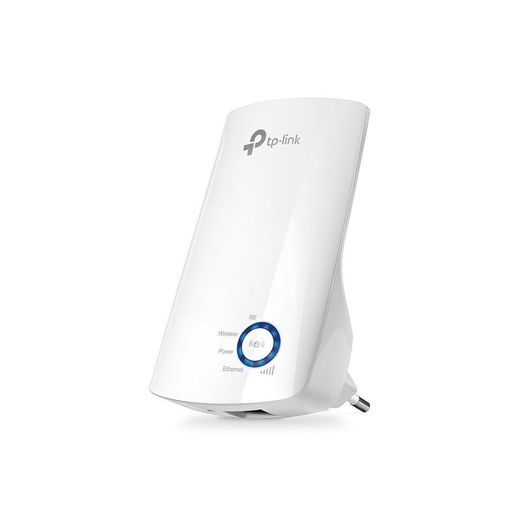

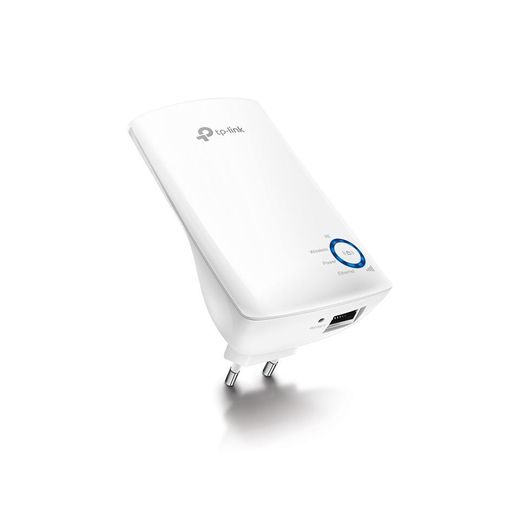
TP-Link WA85ORE
₦ 65,000

USB RJ45 Extension Adapter UPTO 150FT Length
₦ 12,600
offers from

Repeater WiFi Extender Amplifier
₦ 47,500
₦ 50,000
-5%
offers from

Wireless-N WiFi Repeater
₦ 16,500
offers from

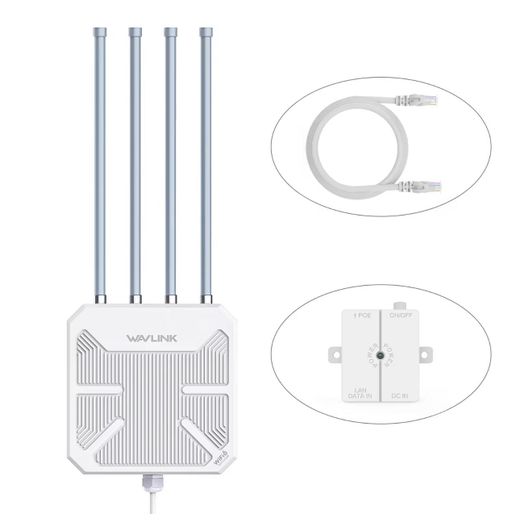
access point poe/Wan/Lan wifi extender repeater Wav link ax3000
₦ 265,000
₦ 600,000
-56%


POE NETWORK EXTENDER - 1 POE In, 3 POE OUT
₦ 35,500
Frequently Asked Questions About easy setup extender
How do I choose the right easy setup extender for my home, and what factors should guide my pick?
To choose the right easy setup extender, start with your home’s size, your current router’s speed, and compatibility. Opt for a dual-band model if you have both 2.4 GHz and 5 GHz devices, and look for an Ethernet port if you need wired connections for PCs or smart TVs. Prefer reputable brands with straightforward setup flows to ensure quick installation. Seek features labeled for easy setup extenders, such as simple pairing, one-touch WPS, and clear status indicators.
What does the speed rating in an easy setup extender mean, and how do dual-band frequencies affect performance?
The speed rating describes the maximum theoretical throughput the device can handle, but real-world speeds depend on distance, interference, and your router's capabilities. Dual-band extenders use separate 2.4 GHz and 5 GHz radios, letting you balance range and speed—pass more devices on 2.4 GHz and high-demand devices on 5 GHz. Look for labels like AC1200 or higher to gauge potential performance, but remember actual results vary by layout and bandwidth needs. Brands such as TP-Link and reputable generic models offer dual-band options designed for easy setup extenders.
How should a beginner in a small apartment versus a gamer in a large house use an easy setup extender?
For a beginner in a small apartment, a simple easy setup extender with reliable coverage and a straightforward setup flow is typically enough. In a large house with gaming or streaming needs, choose an extender with strong 5 GHz performance and an Ethernet port for low-latency wired connections. Place the device midway between the router and the dead zone, and opt for brands known for easy configuration to minimize setup time. This approach keeps you in control without complicated adjustments.
What maintenance and compatibility steps ensure my easy setup extender keeps delivering steady performance?
Keep firmware updated and use the same Wi‑Fi security standard as your router (prefer WPA2). Position the extender away from microwaves, cordless phones, and metal surfaces, roughly halfway between the router and the dead zone. Verify the extender supports your router’s 802.11 standards (ac/n) and that you can connect your devices via the Ethernet port if needed. Regularly reboot or reset when you change routers to preserve compatibility with the easy setup extender’s setup flow.
Which brands or series are best for an easy setup extender?
TP-Link offers reliable AC1200 range extenders and mesh-friendly options that are popular for easy setup. Generic wireless extenders provide budget-friendly choices with straightforward installation. For best ongoing support and app-based configuration, sticking to well-known brands with a track record in networking accessories is wise. Choose a series that emphasizes simple setup, clear indicators, and easy pairing to match the easy setup extender goal.
What are common mistakes when using an easy setup extender and how can I fix them?
Avoid placing the extender in a dead spot or directly next to the router, which can reduce performance. Ensure you use the recommended connection method (wireless or Ethernet) and do not overcomplicate the network with incompatible security settings. If you experience issues, run through a quick reset and re‑run the setup wizard designed for easy setup extenders, keeping firmware updated. Confirm that your devices support the chosen Wi‑Fi bands and that the extender is correctly paired with your router.