HomeElectronicsAccessories & SuppliesAudio & Video AccessoriesRemote ControlsTV Remote ControlsM5 Mini Bluetooth 5.0 Keyboard 2.4G Wireless Air Mouse Backlight Voice Remote Control for Computer Laptop Android TV Box Smart TV
/product/98/0903914/1.jpg?6504)
/product/98/0903914/2.jpg?6504)
/product/98/0903914/3.jpg?5444)
/product/98/0903914/4.jpg?5444)
Share this product
Delivery & Returns
Choose your location
Pickup Station
Delivery Fees ₦ 1,000
Ready for pickup between 07 October and 08 October if you place your order within the next 1hrs 1mins
Door Delivery
Delivery Fees ₦ 1,600
Ready for delivery between 07 October and 08 October if you place your order within the next 1hrs 1mins
Return Policy
Free return within 7 days for ALL eligible itemsDetails
Seller Information
Gadget Place
68%Seller Score
266 Followers
Seller Performance
Shipping speed: Good
Quality Score: Poor
Customer Rating: Excellent
Cancellation Rate: Average
Product details
Mini Bluetooth 5.0 Keyboard 2.4G Wireless Air Mouse Backlight Voice Remote Control for Computer Laptop Android TV Box Smart TV
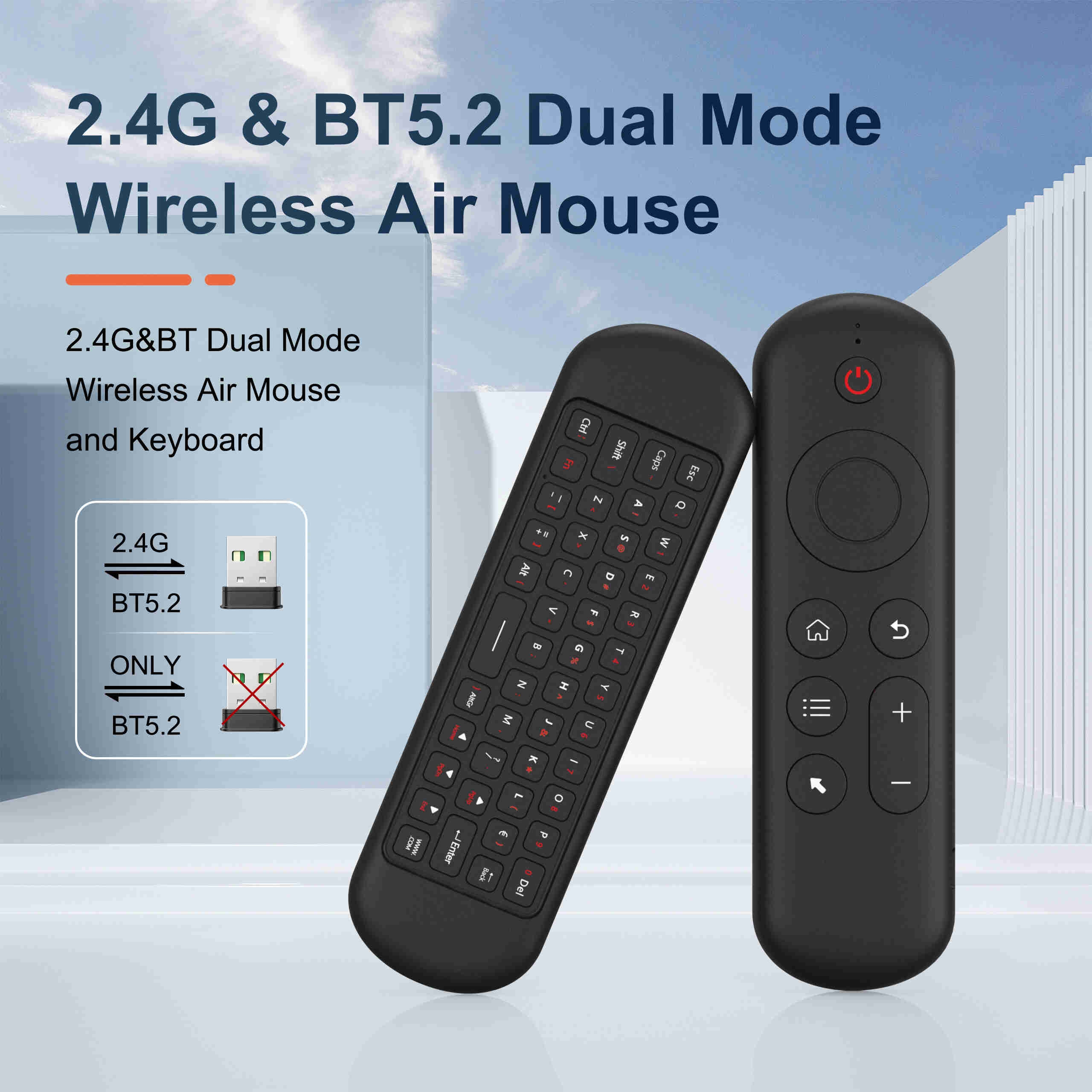
2 . 4G MODE
For initial use , plug a USB receiver into the USB port of device and waitfor 20-60 seconds to install driver of USB receiver . Move the mousethe mouse cursor can move on the screen means that pairingis successful
if it is unsuccessful , press and hold [ OK and [ BACK ] buttons , LED light begin to flash . Pairing is successful when LED light stop flashing
BT 5.0 MODE
1 . Before using this device , first you must turn on the BT function of thelain device
2 . Then long press ; OK + Return keys , when the LED turns to flashhe product enters the pre pairing
3 , Click add search new devices on the main device to find this airemotes name ( Example : BT-REMOTE ) . Click the name can to connecting
4 . After the product is successfully connected , the direction of themouse pointer can be controlled by waving in the air
5 .If the connection is not successful , please perform the operationsteps of item 2-4 again
6 . Reconn ent efficiency description : The normal reconnent time of thiproduct is 3-5 seconds after it is normally paired with themain equipment
7 . This product can only remember the pairing information of one maindevice , when the product is connected to a new device , theconnection of historical devices is not supported after
8 . in this case . you need to delete the historical connection informationof this peripheral can be successfully matched for new search
CPIADJUSTMENT
CPI ( Count Per Inch ) . Speed of the Mouse Cursor
Adjustment ( 3 Levels ) , 1 , 2 , 3 Level . The higher the level , the faster the speed . The default speed isset at level 2
1 . Speed Increase
Press OK button + Volume + ] button for about 3seconds , the work indicator flashes quickly and thengoes off , release the button , CPI on the basis of theoriginal increase 1 level
2 . Speed Decrease
Press [ OK ] + olume – for about 3 seconds , thework indicator flashes quickly and then goes off ,release the button , and CPI is reduced by 1 level onthe basis of the original
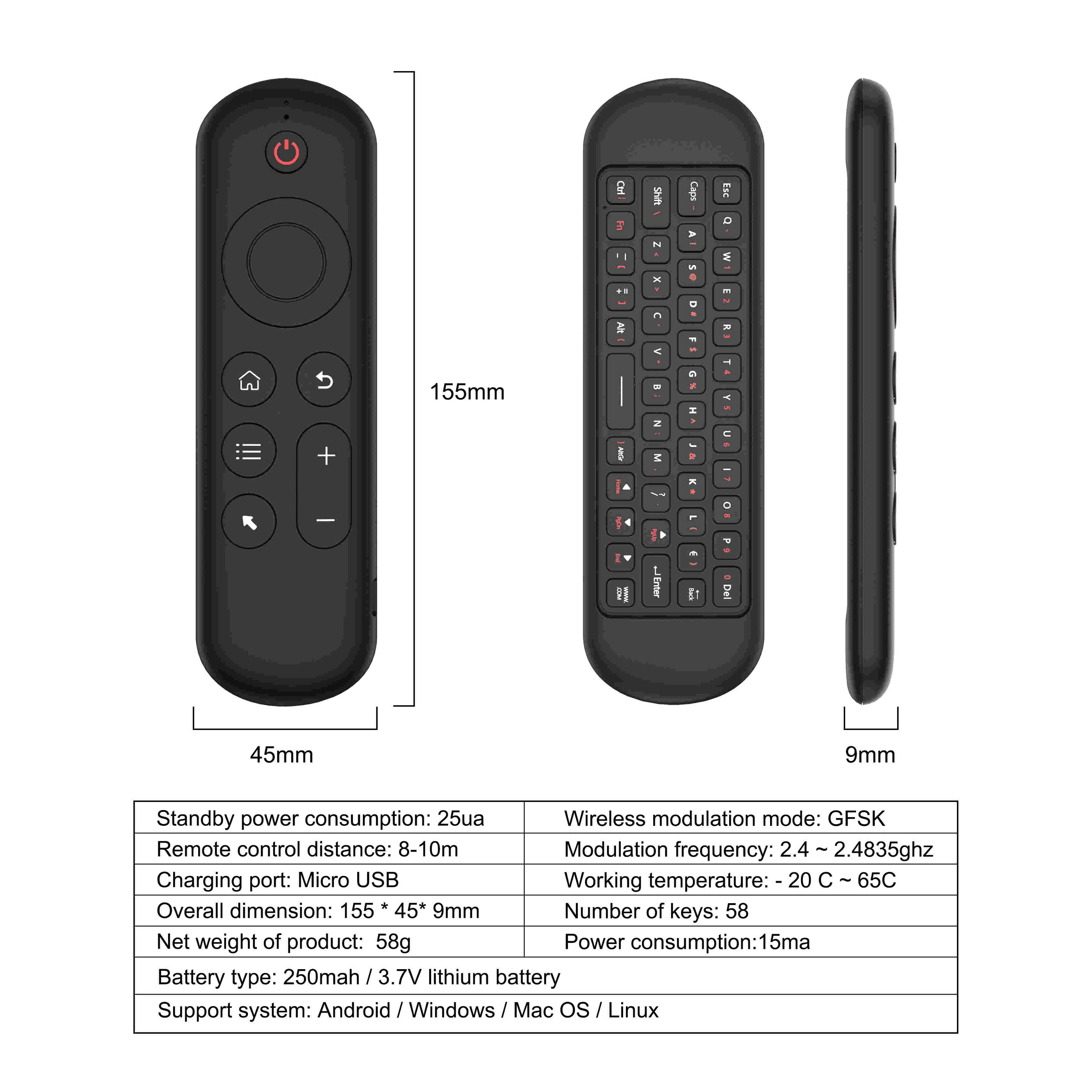
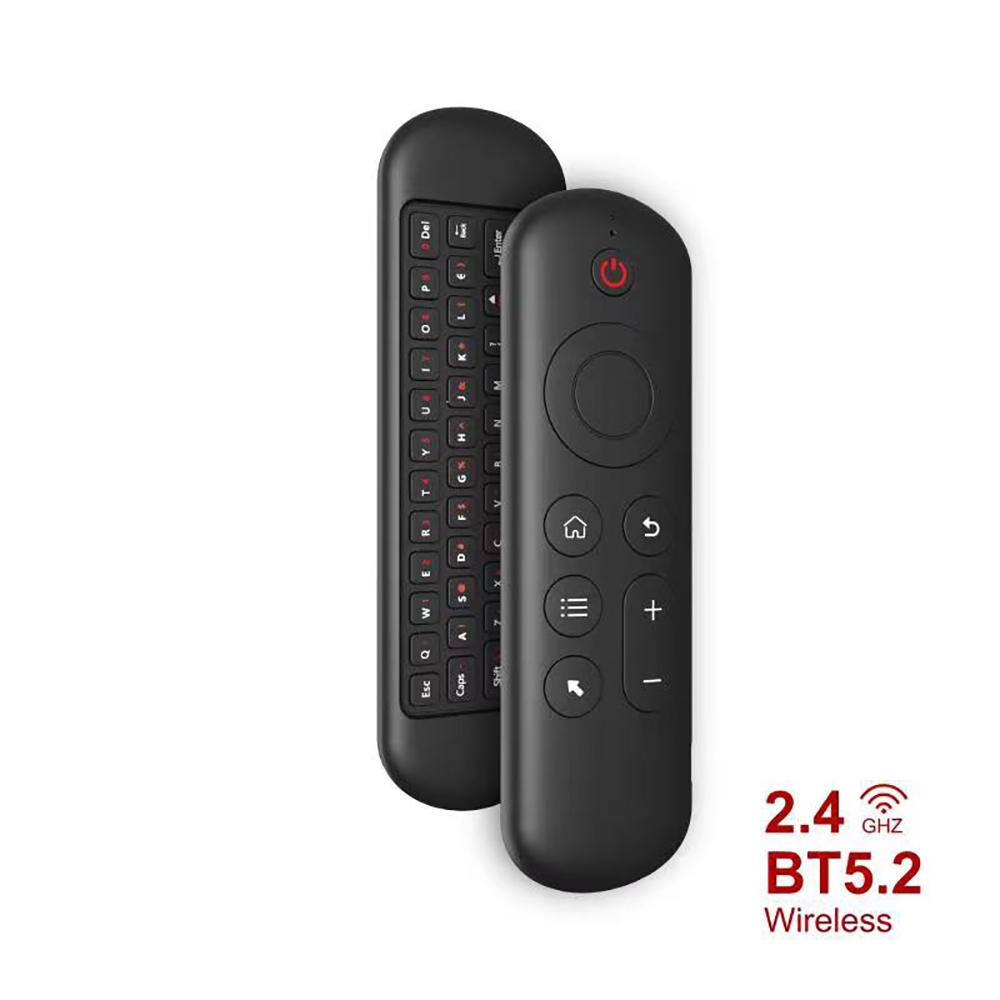
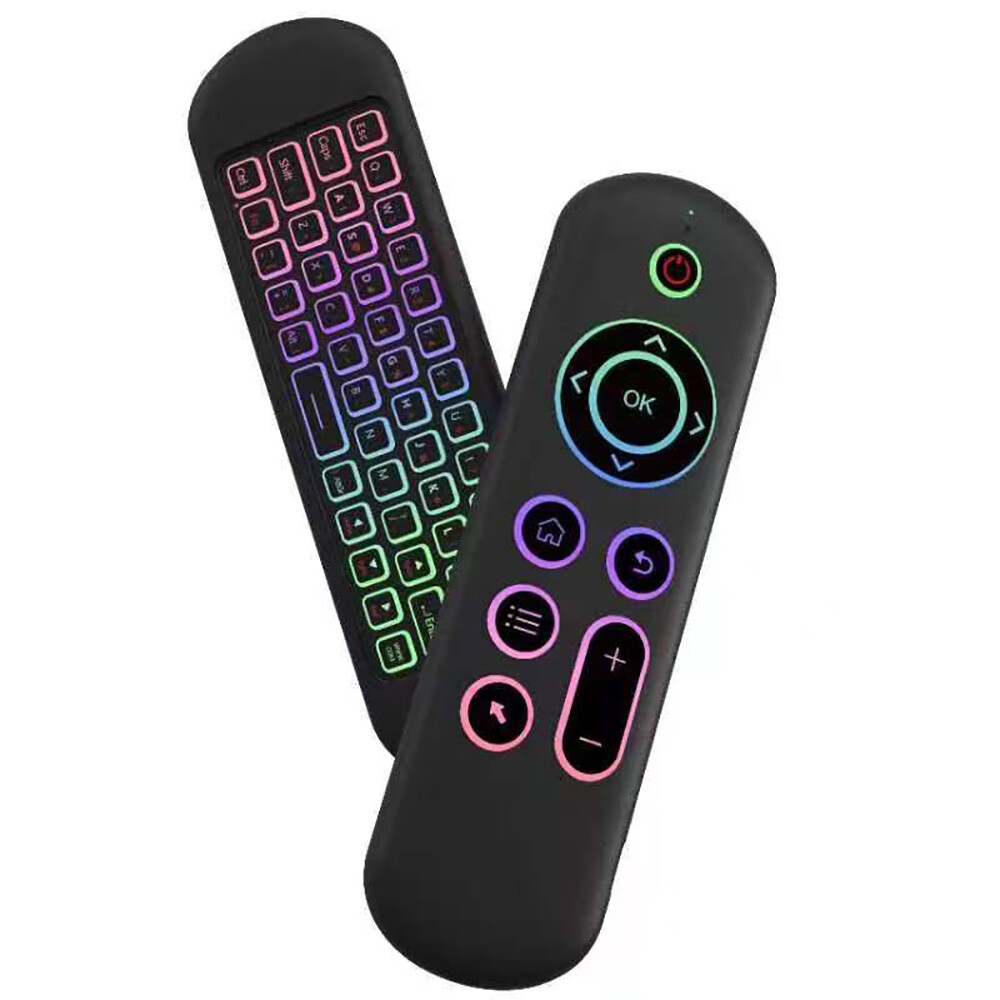
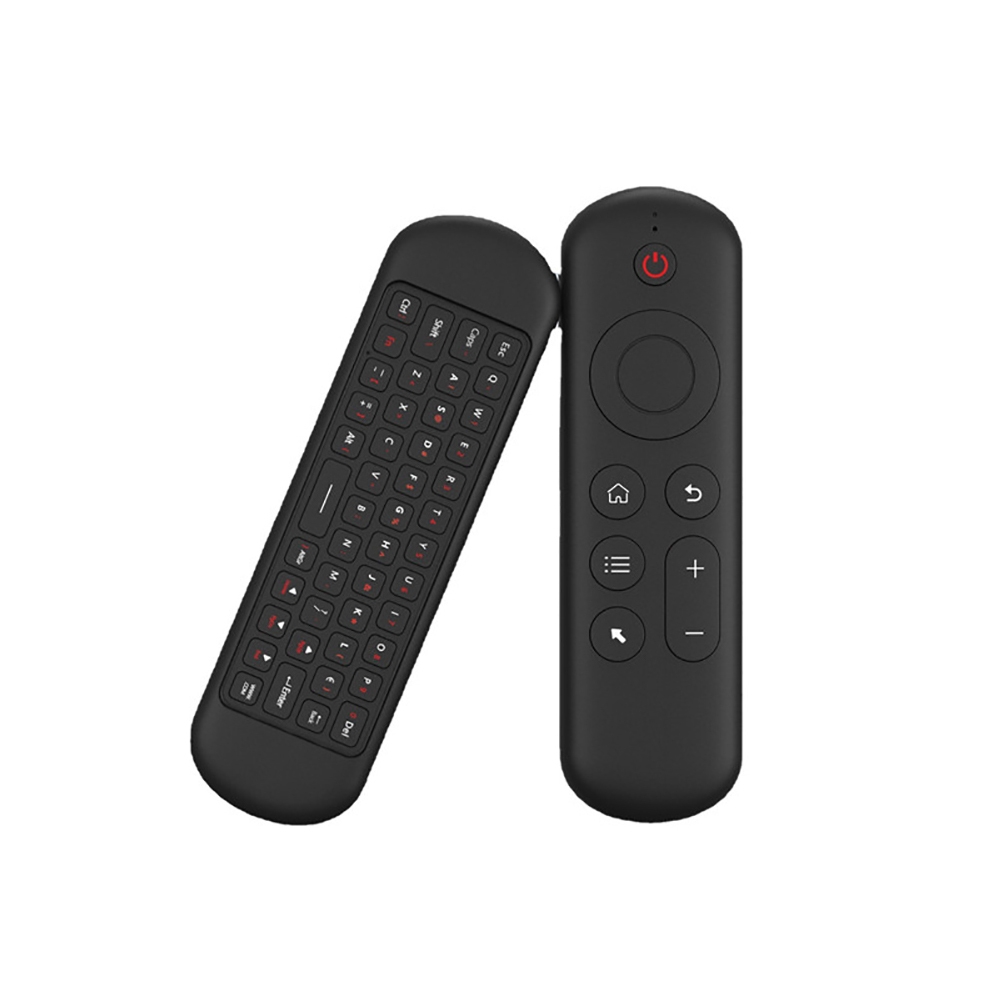
Specifications
Key Features
- Mini Bluetooth 5.0 Keyboard 2.4G Wireless Air Mouse Backlight Voice Remote Control for Computer Laptop Android TV Box Smart TV
- 2 . 4G MODE
- For initial use , plug a USB receiver into the USB port of device and waitfor 20-60 seconds to install driver of USB receiver . Move the mousethe mouse cursor can move on the screen means that pairingis successful
- if it is unsuccessful , press and hold [ OK and [ BACK ] buttons , LED light begin to flash . Pairing is successful when LED light stop flashing
Specifications
- SKU: GE779EA88JT07NAFAMZ
- Weight (kg): 1
- Color: black
Verified Customer Feedback

Customers who have bought this product have not yet posted comments
Related results
LG akb75095307 tv remoteRemote control off road carsRemote control Range Rover toy carsRemote controlled sheriff carSony Bravia 24 inch TV remoteRemote control compatible with air conditionTV box and controllerBig rc remote control carsToy car remote controllers remoteTv bracket for lcd tvCamry remoteRemote control cars that can turnRemote control with batteriesApp and remote control sex toyRemote blasterRemote playerPPT remoteSkyworth remoteGame remoteRemote controlled RGB lighting kitTV backgroundSport TVTV guardPlasma tvTV hooksRemote Controlled Transformational Robot CarAeroplane with remoteAndroid TVsPimples controlControl Cable
/product/98/0903914/1.jpg?6504)
M5 Mini Bluetooth 5.0 Keyboard 2.4G Wireless Air Mouse Backlight Voice Remote Control for Computer Laptop Android TV Box Smart TV
₦ 44,000
Questions about this product?