

HomeElectronicsAccessories & SuppliesAudio & Video AccessoriesCablesHDMI CablesAnyCast M9 Plus HDMI TV Stick 1080P "No Need Mode Switching"Hdmi Wireless Display Receive D-ongle HDMI TV Miracast
/product/05/4330914/1.jpg?1187)
/product/05/4330914/2.jpg?5606)
/product/05/4330914/3.jpg?5606)
/product/05/4330914/4.jpg?5606)
/product/05/4330914/5.jpg?5606)
/product/05/4330914/6.jpg?5606)
/product/05/4330914/7.jpg?5606)
/product/05/4330914/8.jpg?5606)
Share this product
Delivery & Returns
The BEST products, delivered faster. Now PAY on DELIVERY, Cash or Bank Transfer Anywhere, Zero Wahala!
Choose your location
Pickup Station
Delivery Fees ₦ 950
Ready for pickup between 03 March and 05 March if you place your order within the next 19hrs 33mins
Door Delivery
Delivery Fees ₦ 1,710
Ready for delivery between 03 March and 05 March if you place your order within the next 19hrs 33mins
Return Policy
Free return within 7 days for ALL eligible itemsDetails
Seller Information
InnovTrust-COD
88%Seller Score
28 Followers
Seller Performance
Shipping speed: Excellent
Quality Score: Excellent
Customer Rating: Average
Product details
- AnyCast M9 Plus HDMI TV Stick 1080P "No Need Mode Switching"Hdmi Wireless Display Receive D-ongle HDMI TV Miracast
- Description:
This Anycast plus d-ongle has very good performance on Miracast mirroring and Youtube casting, because we learned from our previous customers that they have high requirement on Miracast mirroring and Youtube casting. This product has solved the shortcome of the old versions in Miracast mirroring and Youtube casting. If you have high requirement on Miracast mirroring and Youtube casting, this is the one. - Features:
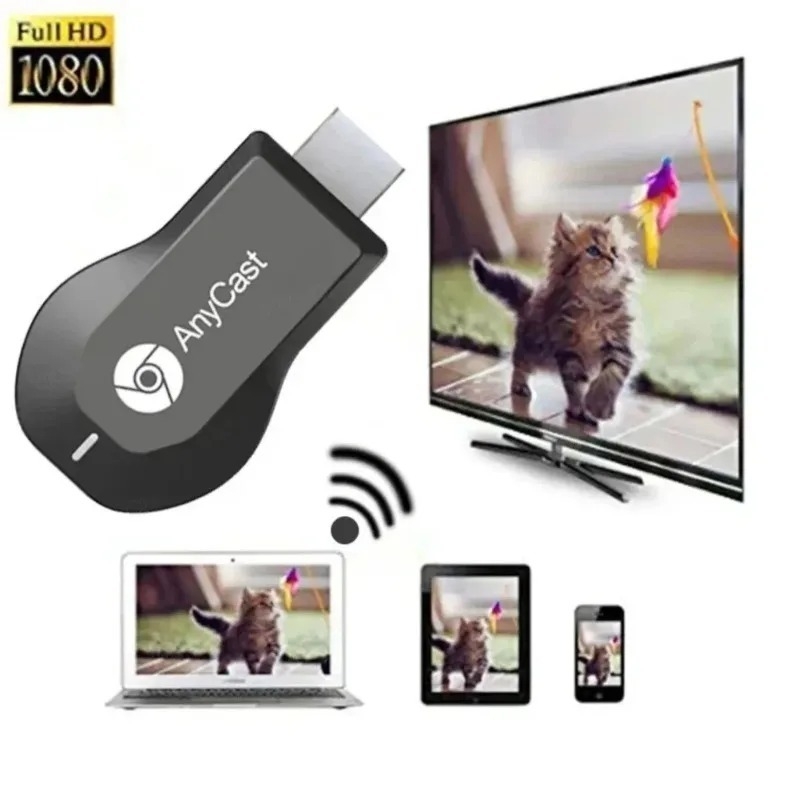
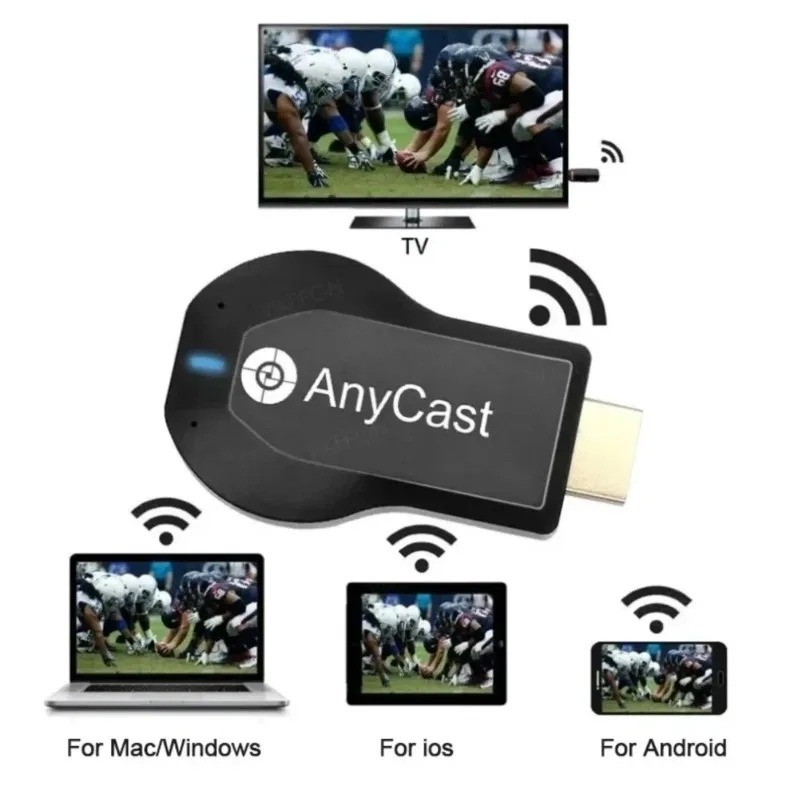
1.Wireless display: SmartSee Wireless display adapter can mirror the screen of phone, tablet, laptop, pc to your TV/projector/monitor wirelessly. Share videos, photos, movies, files to a big screen easily. What shows on your screen can shows up on another big display. Cast a small screen to a large one. Make your TV a smart TV.
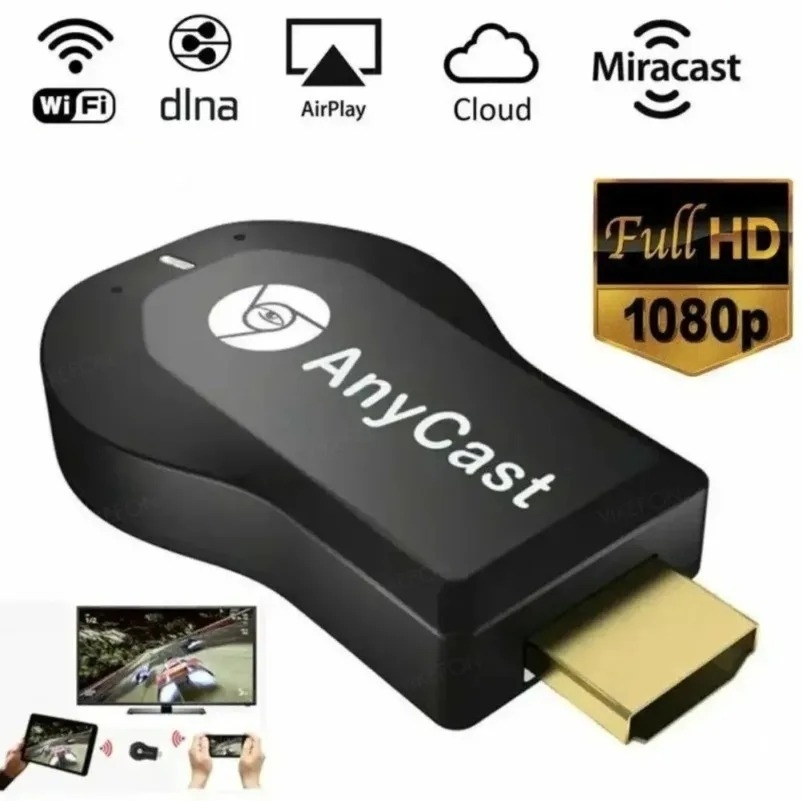
2.Easy to use: No App or drivers required. Only 3 steps to enjoy media on large screen: Plug->Connect->Mirroring by using Miracast, DLNA and Airplay mode. Recognize your IP address and match your local language automatically. While your mobile device is upgraded to the newest version, this adapter can be upgraded to be compatible with the newest version timely. Buy one, never worry about the version compatibility.
3.Wide Usage: Watch with colleagues in meeting-Mirroring screen to projector, share PPT, mail, documents and other content wirelessly. Watch with students in classroom-Mirroring screen to big screen, share teaching content wirelessly. Watch with your family at home-Mirroring screen to TV, share photos, videos, movies wirelessly. Carry it while travelling, share your phone to TV anytime. - Specifications:
- Brands:Anycast
- Name:W-iFi Display
- D-onglePort:HDMI/USB
- Features:Mirror/data transmission/Charging
- Size:68mm×38mm×13mm
- Color: Black
- How to use the wireless screen mirroring device:
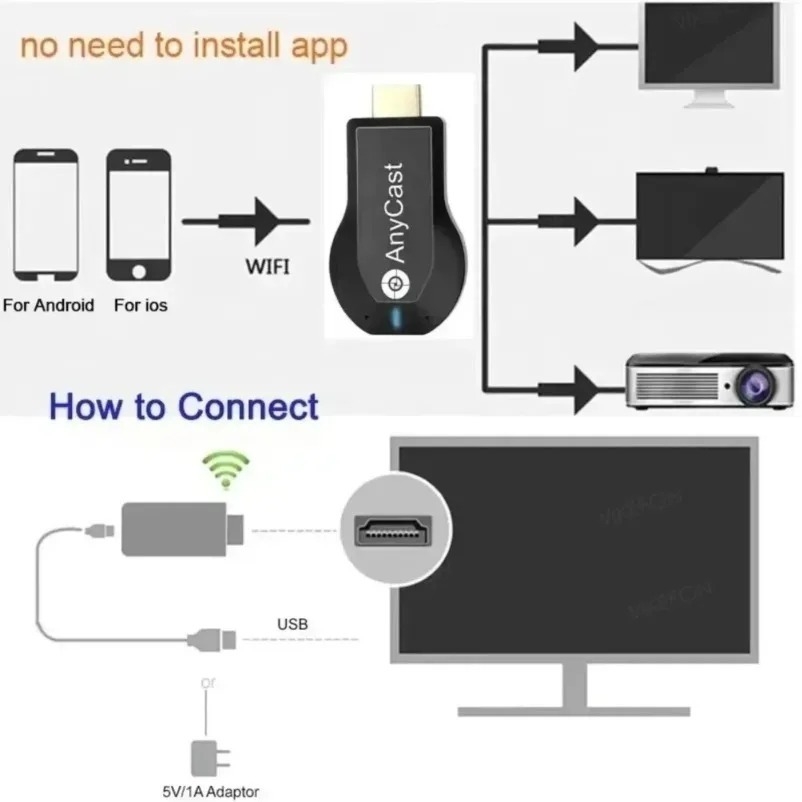
1. Connect one end of the included USB power cable to the mini USB port of the screen mirroring device, and the other end to the power adapter port (5VA). Connect the HDMI port of the screen mirroring device to the HDMI port of the TV. Turn on the TV and press the "Source" button on the TV remote to select the plugged-in "HDMI" signal. At this time, the TV screen will display the screen mirroring device's standby screen, including IP address, password, device name, etc.
2. Screen mirroring from an iPhone:
Open the phone's settings, find the screen mirroring device's name in the WiFi network, tap it, enter the password displayed on the TV screen, then return to the phone screen, pull down to find "Screen Mirroring," and tap the name.
3.Android phone screen mirroring: Use your phone's built-in "wireless screen mirroring" function. Pull down the screen on your phone to find and click the screen mirroring device's ID name. - Package includes:
1×AnyCast D-ongle TV Stick
1×USB W-iFi Cable
1× English User Manual
Specifications
Key Features
- Wireless display
- Easy to use
- Wide Compatibility
- Wide Usage
What’s in the box
1×AnyCast D-ongle TV Stick
1×USB WiFi Cable
1× English User Manual
Specifications
- SKU: GE779EA6PDU6BNAFAMZ
- Model: M9 Plus
- Size (L x W x H cm): 68mm×38mm×13mm
- Weight (kg): 0.06
- Color: Black
- Main Material: Multimatières
- From the Manufacturer: <p>N/A</p>
Verified Customer Feedback

Customers who have bought this product have not yet posted comments
Related results
Hdmi cable 30mHdmi cable for gamingHdmi cable blueEarc hdmi cableOutdoor hdmi cableHdmi cable silverHdmi cable for gaming consoleHdmi cable for nintendo switchHdmi cable repair kitHdmi cable white colorNikon camera hdmi cableL shaped hdmi cableUnidirectional hdmi to displayport cableGold plated hdmi cableRed yellow white cable to hdmiSnowkids 8k hdmi cableHdmi cable for activationsHdmi cable pvcHdmi cable for av integratorsHdmi cable promotional materialsHdmi cable compatibility check48gbps hdmi cableLongest recommended hdmi cablePack small hdmi cablesKondor mini hdmi cableShielded hdmi extension cablePremium hdmi cable blackHdmi cable metal typeHdmi cable with gold connectorsHdmi dvi cable blackHdmi cable for industrial displaysHdmi cable for roku streamingHdmi cable for streaming and gamingHdmi smart cable verizonHdmi cable connection laptopHdmi cable for a car systemHdmi cable promotional activationsHigh quality in wall hdmi cableHdmi to vga cable aluminium buildHdmi cable hdcp 2 3Hdmi cables 10 pack smallHdmi to dvi bi directional cableHdmi cable 4k blackHdmi to dvi adapter cable blackHdmi to dvi cable 1080pDisplayport to hdmi active adapter cableK 25 ft hdmi cableMonster gold plated hdmi cableDisplayport to hdmi cable 10 ftDisplayport to hdmi cable 6ft
/product/05/4330914/1.jpg?1187)
AnyCast M9 Plus HDMI TV Stick 1080P "No Need Mode Switching"Hdmi Wireless Display Receive D-ongle HDMI TV Miracast
₦ 9,730
₦ 17,13543%
Questions about this product?